On a few occasions I have been faced with a virtual machine running on a XenServer either not powering off (staying yellow), or not powering on.
The first thing to try is to force the VM to power off with the following command:
xe vm-shutdown vm=SERVER01 --force
However this does not always work if the xapi is out of sync with the pool master, which is used by XenCenter.
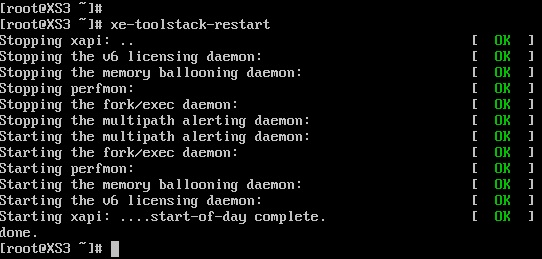
To resolve this the Xen Toolstack can be restarted with the following command:
xe-toolstack-restart
This will restart the xapi disconnecting XenCenter, after a 30 secs you should be able to reconnect with XenCenter.
Issuing xe-toolstack-restart does not affect any running VMs.
Now you should be able to power off / on the problematic VMs.
.