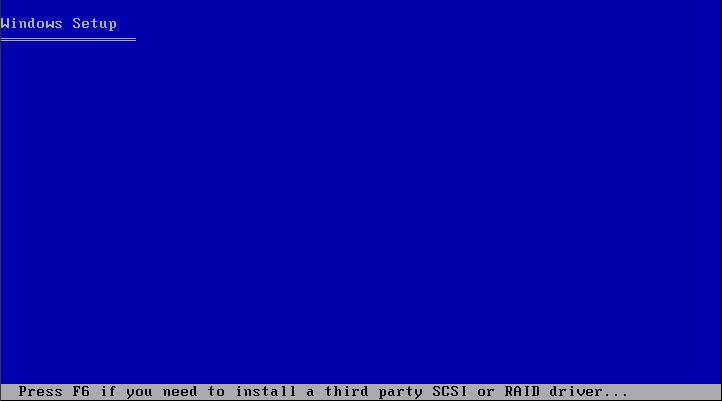
When installing Windows XP as a guest OS on a VMware ESX Server you may get the following error:
"Setup did not find any hard disk drives installed on your computer"
To use a SCSI disk in a Windows XP VM you need a special SCSI driver.
What you need to do is download the VMware provided SCSI driver and press "F6" when the Windows XP installation asks you to do so.