As you P2V various different servers with the VMware Converter Cold Clone CD, you will find that not all the network and storage drivers you require are available on the CD.
Whilst the included driver set suffices for alot of very common server hardware, messing about with floppies can get a little tedious, especially if you have alot of servers to do.
Enter the "petool.exe", there to help you in exactly this situation.
It is included with the VMware Converter CD download and is provided to slipstream additional network and storage drivers into the coldclone.iso
To add the additional drivers you need the following:
-
VMware Converter CD download (Extracted with .iso and petool.exe)
-
Network and/or Storage drivers you wish to add
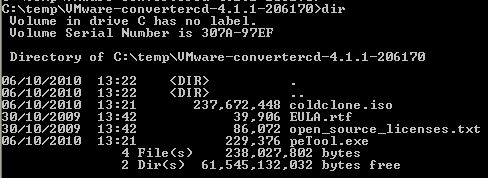
1. In a command prompt navigate to the Converter CD folder
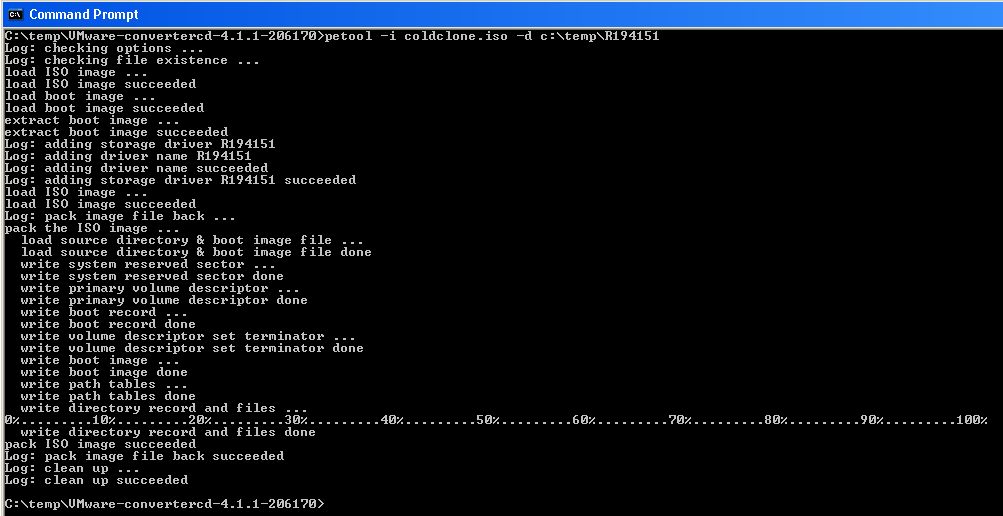
2. Run the PEtool to add the driver to the coldclone.iso
-
For storage drivers use "-d":
petool-i coldclone.iso -d c:\temp\R194151
-
For network drivers use "-n"
petool-i coldclone.iso -n c:\temp\NET1234
3. And there you have it
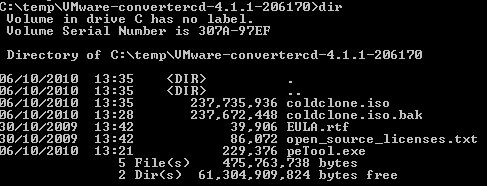
The previous coldclone.iso file is now named coldclone.iso.bak
Your new Cold Clone CD with added drivers can be found as coldclone.iso
Burn to a CD and off you go....