When creating documentation, presentations etc its good to use professional looking images.
However trying to find some good quality images, especially officially from VMware in the format you want is not as easy as you would think.
VMware provide official images in their Diagram and Icon Library which can be hard to find so here are the latest links to these. They are now in 3 parts in PowerPoint format.
UPDATE: Latest versions 2Q12 (Links below)
Part 1 http://communities.vmware.com/servlet/JiveServlet/download/2037163-87941/VMW_PPT_LIBRARY_Icons-Diagrams_2Q12_1_of_3.pptx
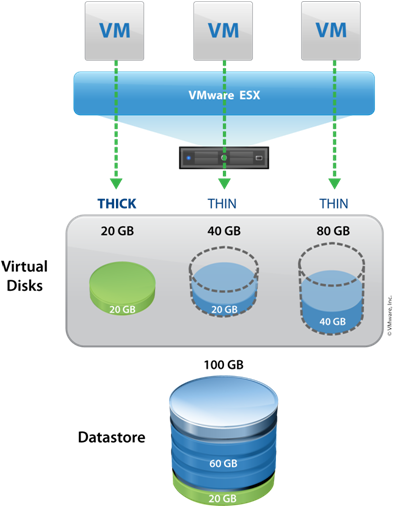
This library (in PowerPoint format) contains quality images such as below...

VMware do not provide an official Visio stencil with all these images included.
However Maish Saidel-Keesing who runs TechnoDrone has done a sterling job of converting the VMware PowerPoint icons into Visio stencils!
UPDATE: Latest version V3 (Link below)
http://technodrone.blogspot.co.il/2012/06/new-vmware-visio-stencils-v3.html