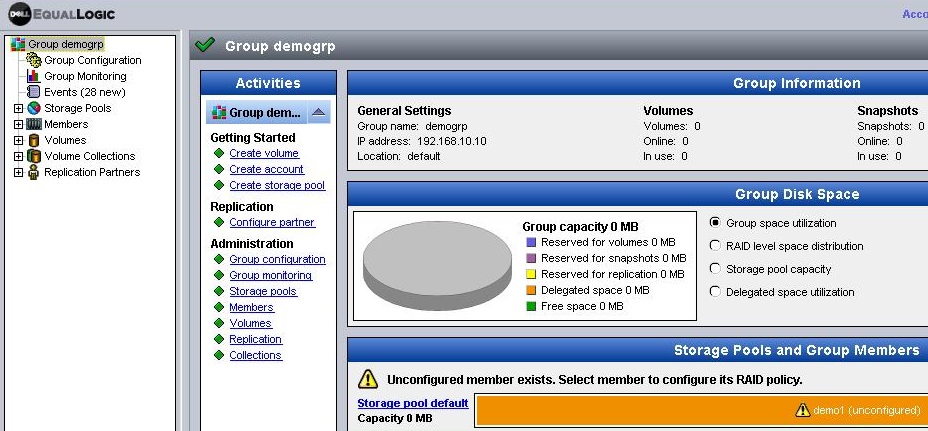
1. Connect to the EqualLogic Group Manager using a web browser to the IP address of the group. http://192.168.10.10
2. Login with the group password.
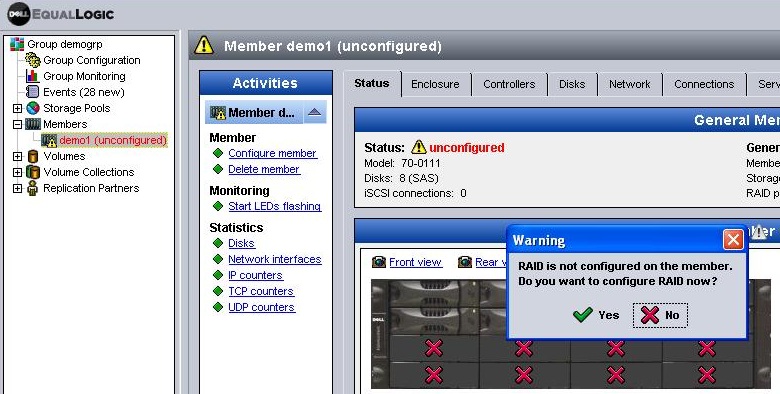
3. As the group member has not yet been setup, a message will be displayed. Click Yes.
"RAID is not configured on the member Do you want to configure RAID now?"
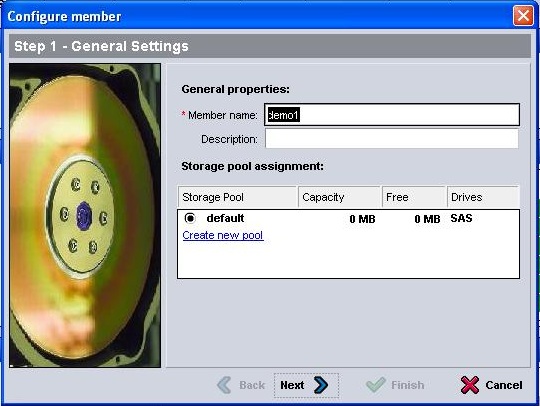
4. Enter the name and description for the member.
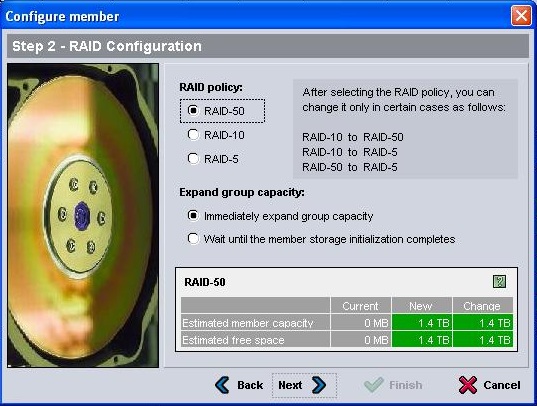
5. Choose your RAID policy based on your storage and performance requirements.
6. Select whether to allow immediatley expand group capacity or wait until initialization completes. Click Next.
7. Review the member settings and Click Finish.
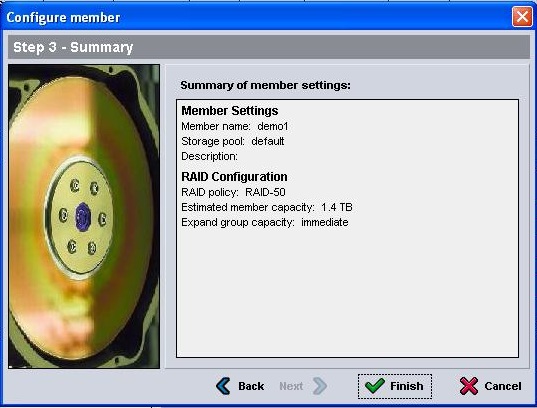
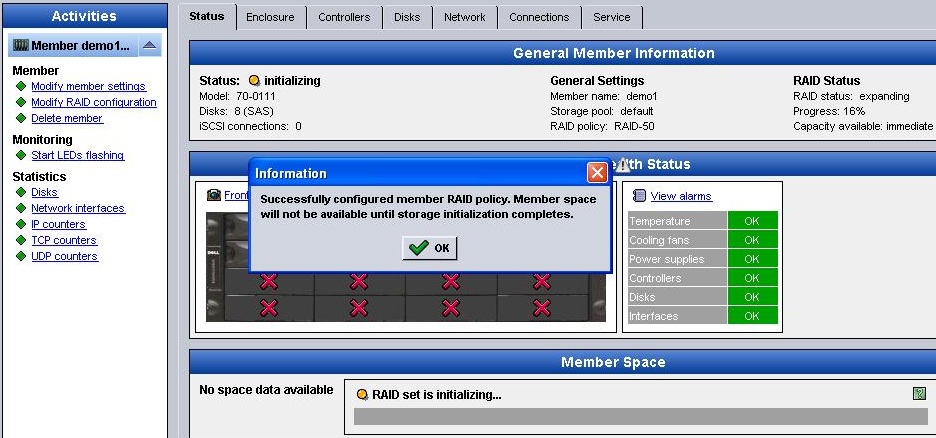
8. Initialization will take place configuring RAID on the member. Once complete (depending on your expand option) the member will be ready for use.