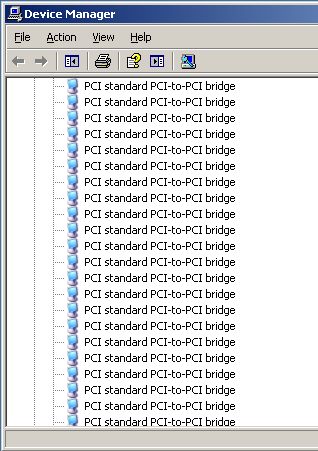
After using VMware converter to P2V a physical Windows Server 2003, I have occasionally come across the "PCI standard PCI-to-PCI bridge" install loop.
This isnt actually an "install loop" it is prompting for the drivers for each of the 32 PCI bridges.
I havent managed to get to the bottom of it yet as it occurs only now and again, maybe its something particular to that server and driver signing?!
However its fixable just by manually going through (Next --> Continue Anyway) 32 times to install the driver. It will stop after 32 times, check device manager (devmgmt.msc) to confirm all drivers are installed.
1. For each "PCI standard PCI-to-PCI bridge"
Choose Recommended and Click Next to install the driver.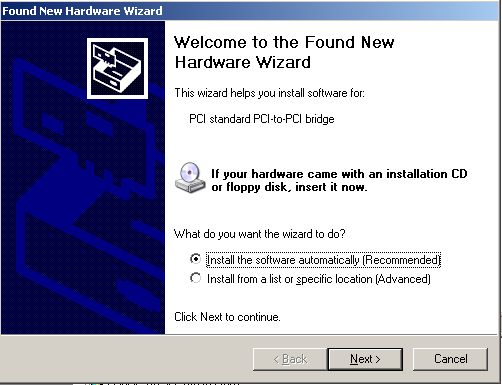
2. Click "Continue Anyway" to allow installation of the device.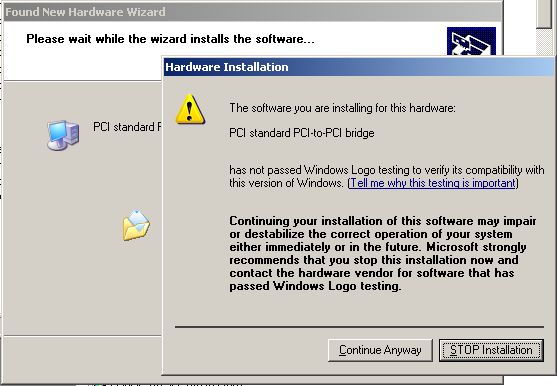
3. Check device manager (devmgmt.msc) to confirm all drivers are installed.