I'm trying to blog some of the random little things that have come across in the last few months/weeks, in hope it will help others.
Of those random things that occured was trying to run the vSphere Agent Pre Upgrade Checker, that is part of the pre installation steps of upgrading vSphere.
The problem was when running the AgentUpgradeChecker.exe I was getting the following error message:
"AgentUpgradeChecker has encountered a problem and needs to close."
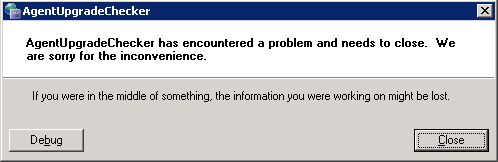
I was running it from a network location and this appeared to be causing the problem.
Fix:
Copy the "agentupgradecheck" folder from the "VMware-VIMSetup-all-4.1.0-259021\vpx\" network location
To a local directory on the server.
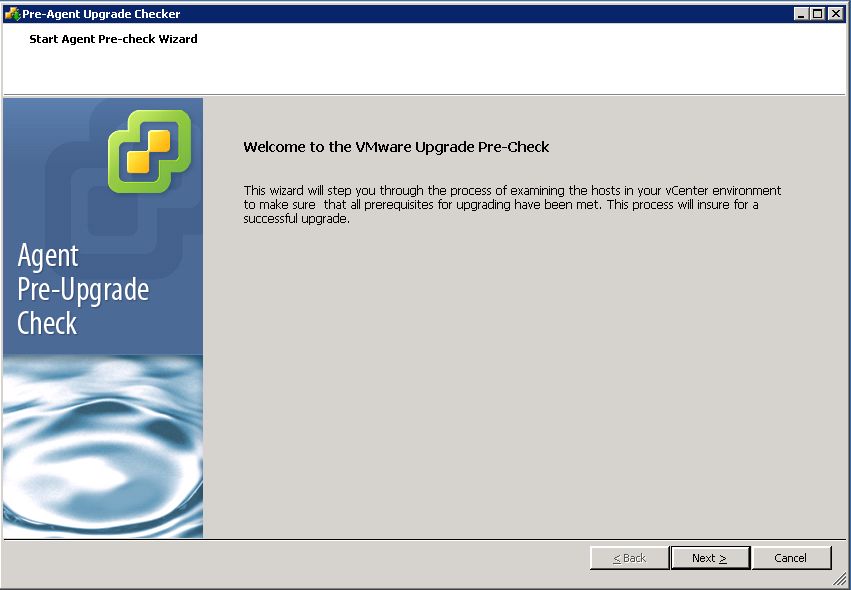
Run the upgrade checker again and there you go....
Share this blog post on social media:
Tweet


Latest Blog Posts
- vSphere 7 U1 - Part 3 - Creating a Datacenter, HA/DRS Cluster and Adding a Host
- vSphere 7 U1 - Part 2 - Deploying vCenter 7.0 U1 VCSA
- vSphere 7 U1 - Part 1 - Installing ESXi 7.0 U1
- Veeam CBT Data is Invalid - Reset CBT Without Powering Off VM
- View Administrator Blank Error Dialog/Window After Upgrade