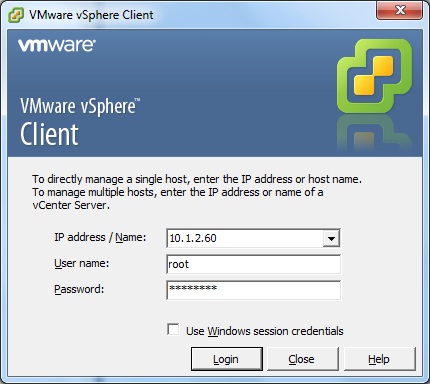
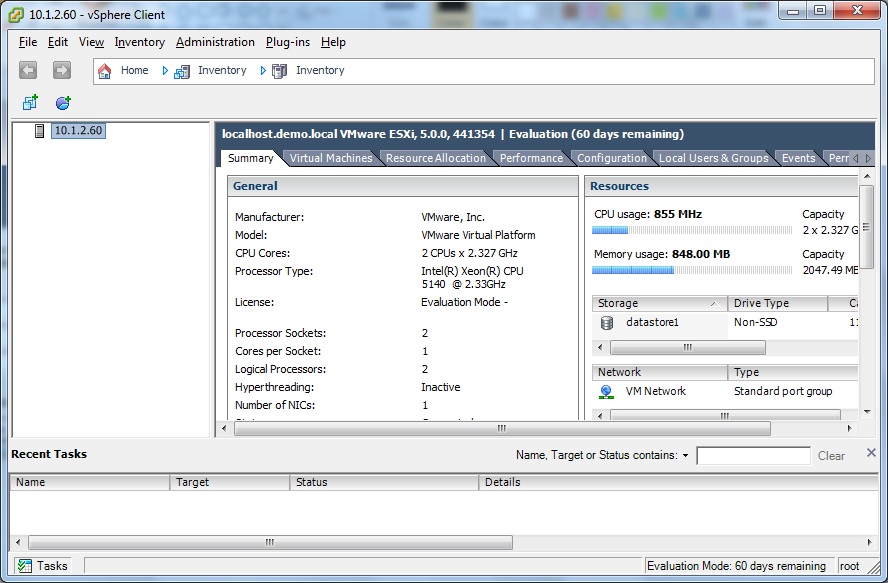
The vSphere Client is used to connect to and manage either ESXi servers individually, or more often to connect to a vCenter server to manage multiple ESXi servers in a single interface (or "pane of glass").
Its a simple but important part of a vSphere deployment, as without it you cannot manage your environment. Ok so you could if you know the vSphere CLI or PowerCLI, but my point is its the main management interface for ESXi and vCenter that you will use day-to-day.
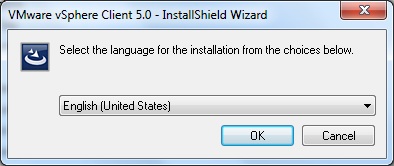
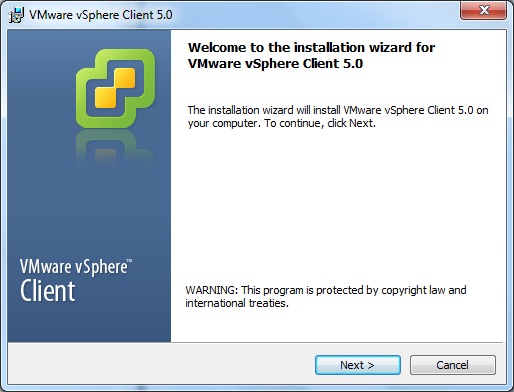
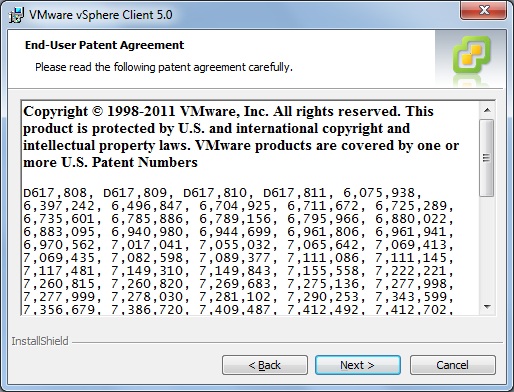
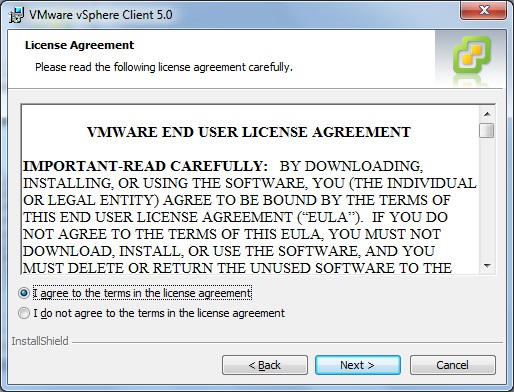
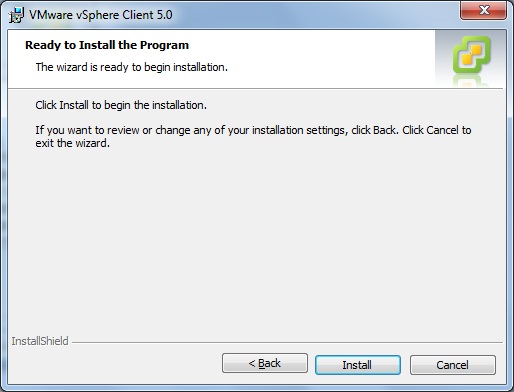
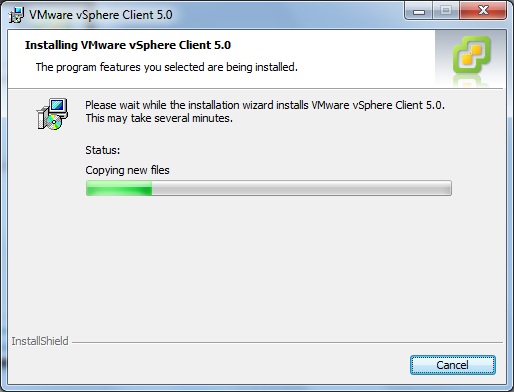
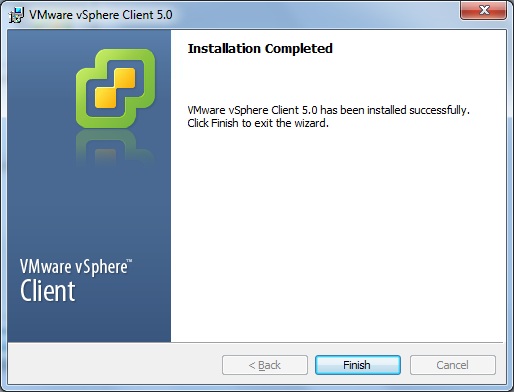
Its extremley easy to install, just a simple next, next, blah and finish.
Open the vSphere client in Programs --> VMware --> vSphere Client
Enter the IP address/FQDN of the ESXi server or vCenter Server.
Enter the username/password for the server (if ESXi this is "root" and for vCenter this is a Windows Account).