VMware View Connection Server 4 is a component of both View 4 Premier and Enterprise Edition.
It is a critial component required for VMware View to function.
For an overview of the components of VMware View see VMware View 4 - Intro and Components.
The View Connection Server must be installed on its own dedicated server. It cannot be installed on the vCenter server.
It acts as a broker for client connections by authenticating directing incoming remote desktop user requests to a virtual desktop, physical desktop, or terminal server.
Additional Connection Servers called Replica servers can be used to provide high‐availability and load balancing.
Each replica server has a local LDAP instance (using Microsoft's ADAM), the View LDAP data on the replica server is copied from an existing View Connection Server when a new one is installed.
In a DMZ a Security server can be installed to add additional protection. Security servers ensure only authenticated users can connect to the internal network from external locations by providing a single point of access.
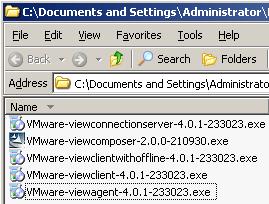
1. Double Click "VMware-viewconnectionserver-4.xxxxx.exe" to start the installer.
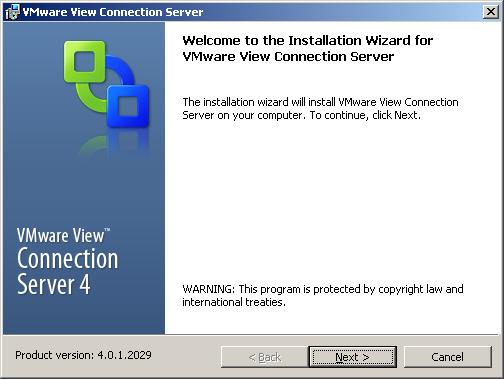
2. The installation wizard is displayed. Click Next.
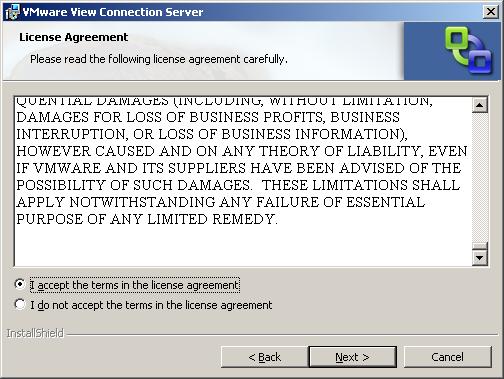
3. Read and Accept the VMware license agreement, Click Next.
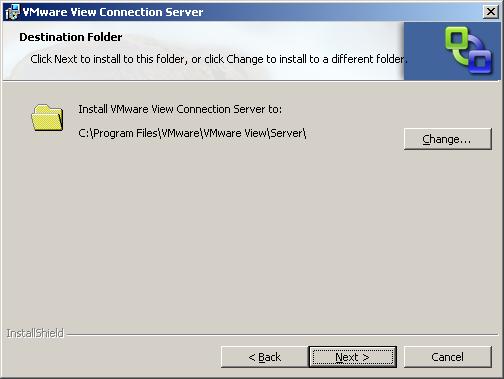
4. Enter the destination folder to install VMware View Composer. Click Next.
5. Select "Standard" for the server instance type (as this is the first server). Click Next.
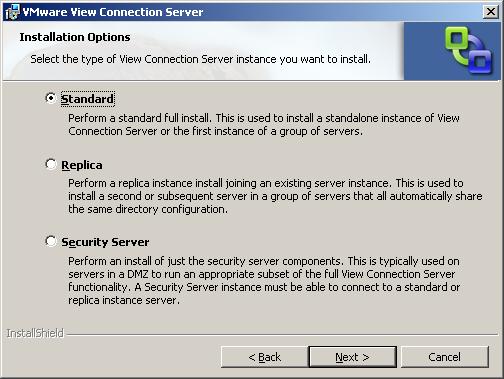
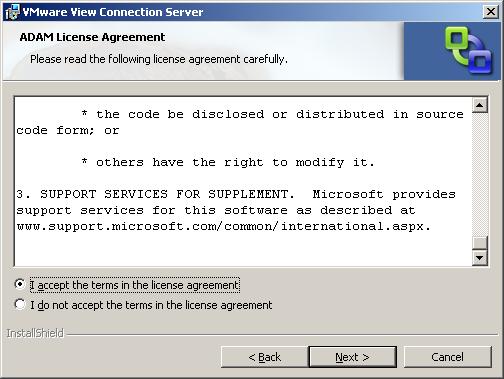
6. Read and Accept the Microsoft ADAM license agreement, Click Next.
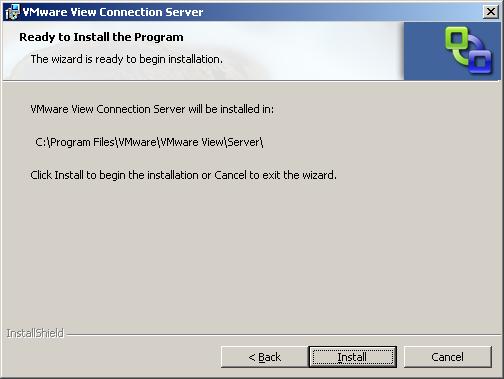
7. Click Install to start the installation of the View Connection Server.
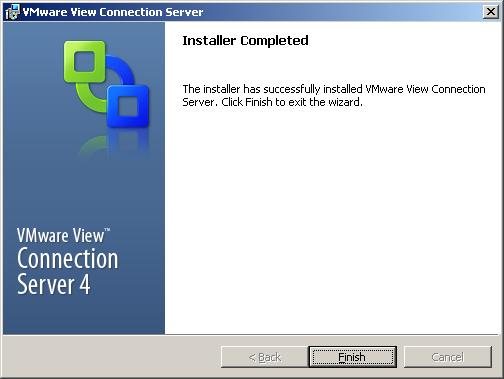
8. Once the installation has completed Click Finish.
For an overview of the components of VMware View see VMware View 4 - Intro and Components.
How To Series: VMware View Installation, Configuration and Management
Part 1 - Installing VMware View Composer 2
Part 2 - Installing VMware View Connection Server 4
Part 3 - Configuring VMware View Connection Server 4 with View Manager
Part 4 - Creating a Master Image for VMware View Desktop Deployment
Part 5 - Provisioning an Individual Desktop with View Manager
Part 6 - VMware View 4 - Windows 7 Deployment Guide
Part 7 - Creating an Automated Desktop Pool
Share this blog post on social media:
Tweet


Latest Blog Posts
- vSphere 7 U1 - Part 3 - Creating a Datacenter, HA/DRS Cluster and Adding a Host
- vSphere 7 U1 - Part 2 - Deploying vCenter 7.0 U1 VCSA
- vSphere 7 U1 - Part 1 - Installing ESXi 7.0 U1
- Veeam CBT Data is Invalid - Reset CBT Without Powering Off VM
- View Administrator Blank Error Dialog/Window After Upgrade