Whilst performing clean installaions and upgrades of vCenter Server 5, I have come across the following warning message on a number of occasions.
"The Fully Qualified Domain Name cannot be resolved. If you continue the installation, some features might not work correctly."
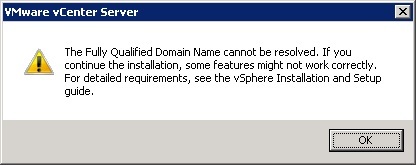
The vCenter server installer is performing a reverse DNS lookup and confirming if there is an entry for the server. In this case it has failed.
All you need to do is first confirm if infact a reverse lookup zone exists on the DNS server. This most likley will be on an Active Directory Domain Controller and replicated too all other DCs in the domain/forest. So a single point of config can add this for all DNS servers if there are more than one.
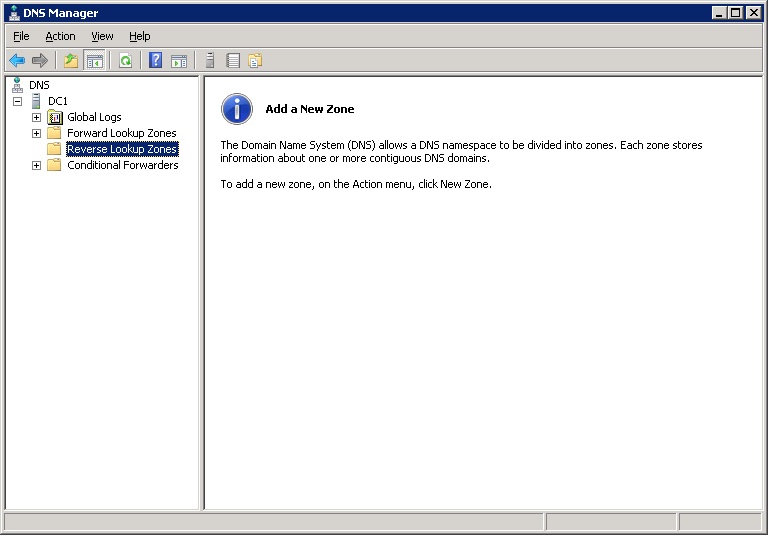
Go to your DNS server and add a new reverse lookup zone for the IP range that the server exists in. You will notice your server still does not appear in the reverse lookup zone.
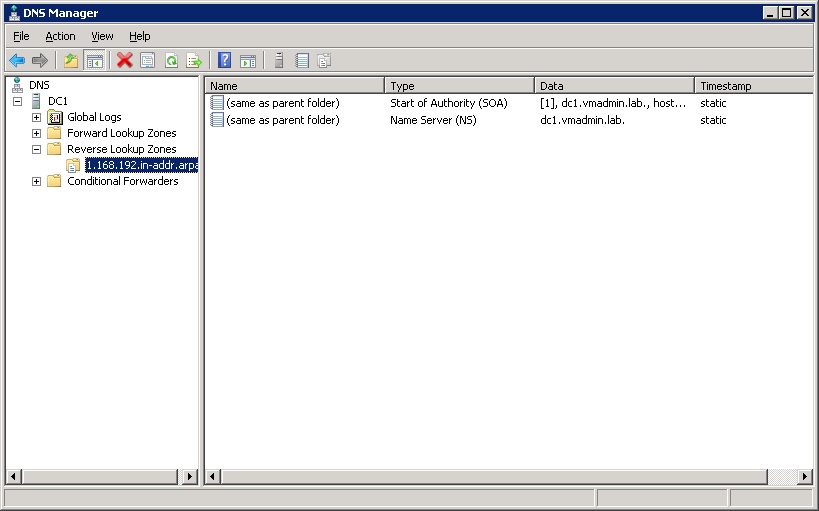
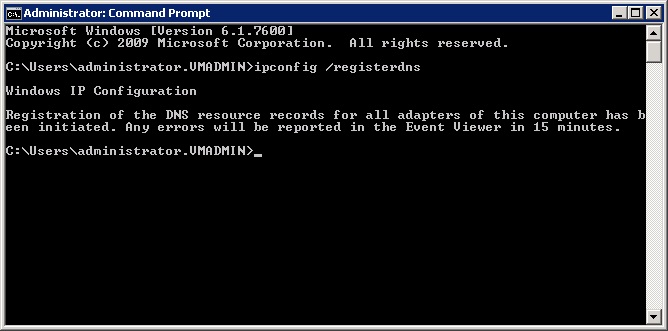
Next we need to request the server to register its adaptors in DNS updating the records already held and not - in this case our reverse lookup zone record.
ipconfig /registerdns
Refreshing the DNS Manager console will now show the pointer record for this server in its reverse lookup zone.
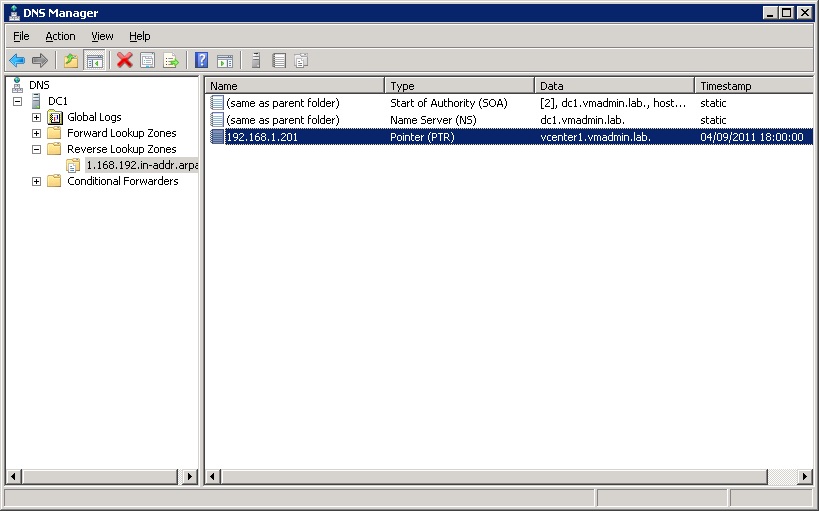
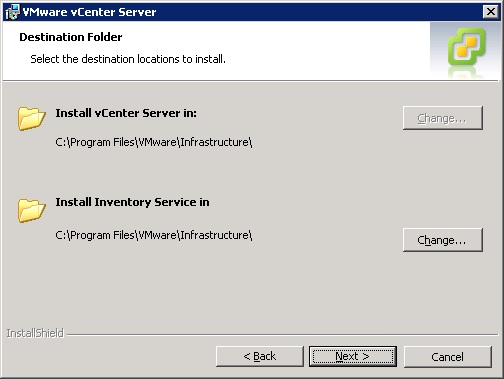
Pressing backing the back button then next again will confirm this issue is now resolved. If the reverse lookup was still not working correctly this test would fail again and the warning dialog would be shown again.
Happily now continue the installation/upgrade....
Share this blog post on social media:
Tweet


Latest Blog Posts
- vSphere 7 U1 - Part 3 - Creating a Datacenter, HA/DRS Cluster and Adding a Host
- vSphere 7 U1 - Part 2 - Deploying vCenter 7.0 U1 VCSA
- vSphere 7 U1 - Part 1 - Installing ESXi 7.0 U1
- Veeam CBT Data is Invalid - Reset CBT Without Powering Off VM
- View Administrator Blank Error Dialog/Window After Upgrade