Thinstation is an open source thin client operating system. It supports most major protocols such as Windows Terminal Services RDP, Citrix ICA, SSH and so on... Most intrestingly it supports the VMware View Open Client.
VMware View Open Client ia provided by VMware and is an open source version of the client software used to connect to the View connection broker and provide virtual desktops.
Thinstation can be used on most hardware (even really old hardware). It doesn't need much to run, you could re-use your old hardware as "thin clients" saving the cost of purchasing additional hardware. At work we've done this for hundred's of PCs connecting to a XenApp farm for desktops saving thousands of £'s a year in desktop hardware replacements.
A live CD of Thinstation that already has the VMware View Open Client complied in, is available for download at the following 3rd party source.
http://batley.com.au/thinstation/LiveCD.vmview.iso
1. To get going download and burn the ISO to a CD.
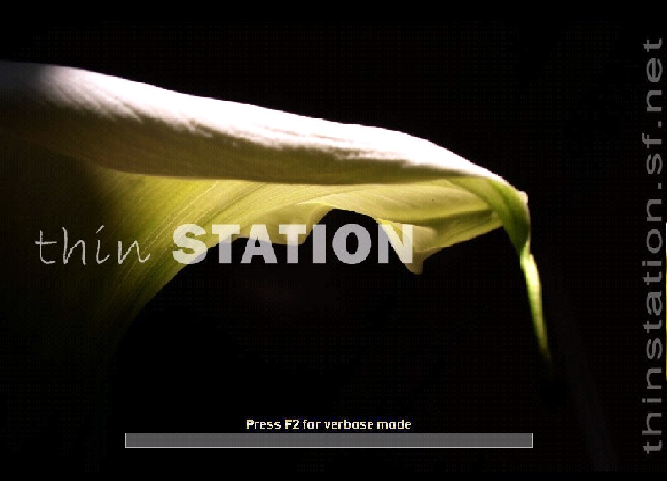
2. Boot Thinstation from the Live CD (Press F2 is you wish to see the modules being loaded).
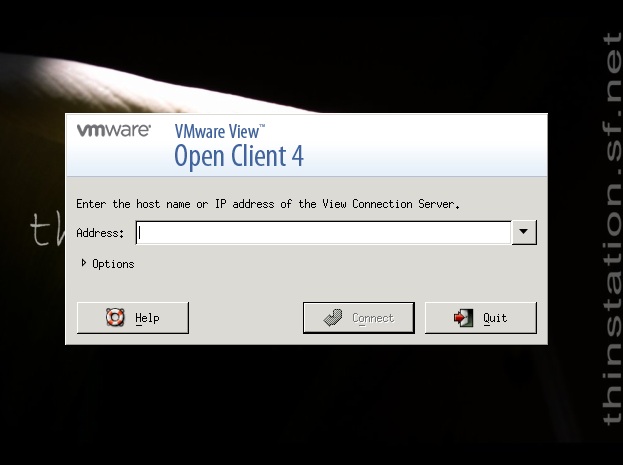
3. The VMware View Open Client will be presented to you.
Enter the IP/FQDN of the connection server.
Click "Connect".
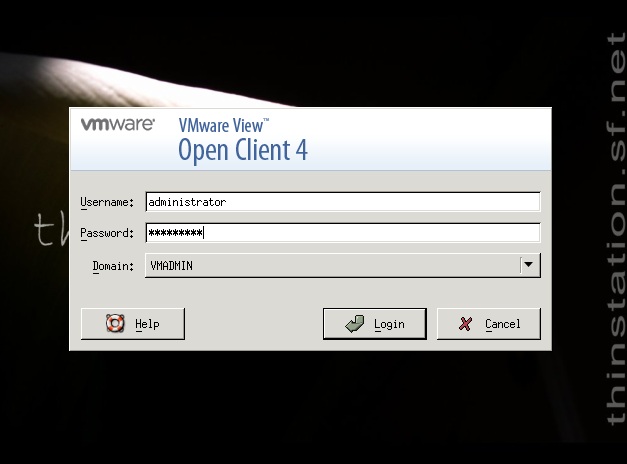
4. Enter your Windows Username and Password (Ensure the domain is correct).
Click Login.
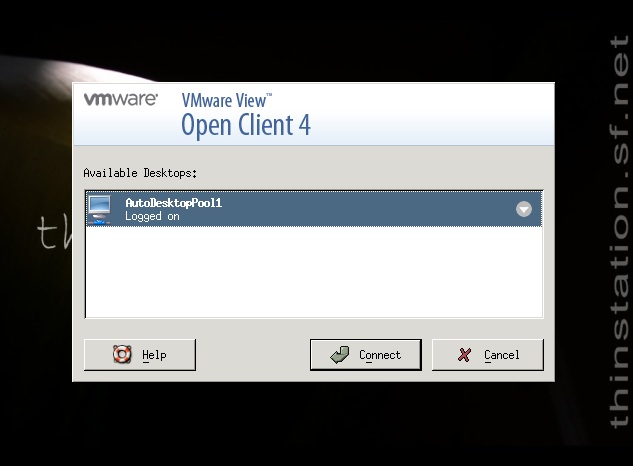
5. Choose your required desktop pool and Click "Connect.
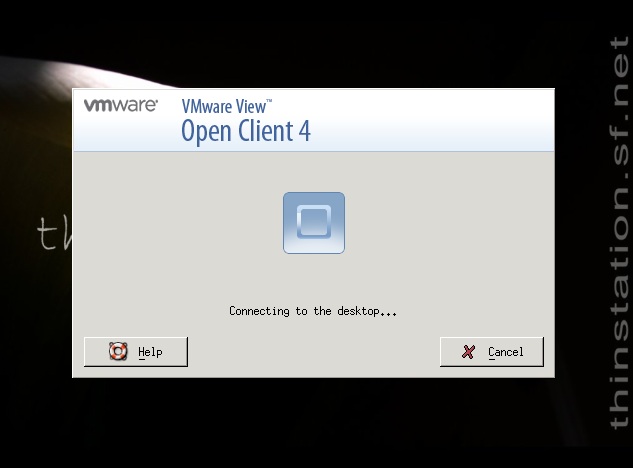
6. And there you have it!
Windows 7 presented via VMware View on a free open source thin client named Thinstation.
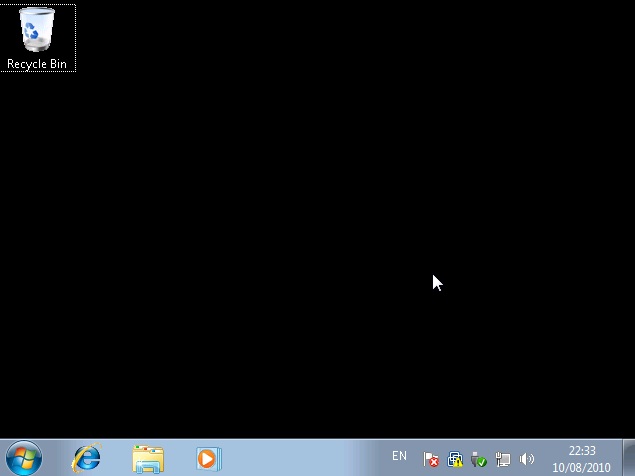
See http://www.thinstation.org/ for more information.
Share this blog post on social media:
Tweet


Latest Blog Posts
- vSphere 7 U1 - Part 3 - Creating a Datacenter, HA/DRS Cluster and Adding a Host
- vSphere 7 U1 - Part 2 - Deploying vCenter 7.0 U1 VCSA
- vSphere 7 U1 - Part 1 - Installing ESXi 7.0 U1
- Veeam CBT Data is Invalid - Reset CBT Without Powering Off VM
- View Administrator Blank Error Dialog/Window After Upgrade