VMware ThinApp provides agentless application virtualisation. Applications are provided as single executable files (including any modifications you have made to the program after install).
It also allows for applications to run on different operating systems. For example it is possible to package and run a legacy application from Windows XP on a Windows 7 desktop.
1. Download VMware Workstation 7
Note: You could build a physical machine or use vSphere an so on, but VMware recommend using VMware Workstation. The method of creating the Windows XP guest OS is unimportant, however it is essential a clean install of the OS is used.
2. Install VMware Workstation 7
3. Create a Windows XP virtual machine, power on and install the guest OS.
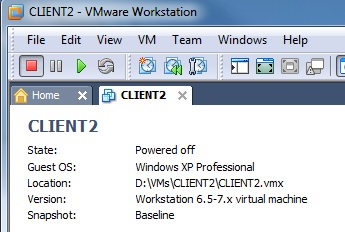
4. Install all Windows Updates.
5. Create a baseline snapshot so this can be re-used for several applications.

6. Download VMware ThinApp 4.6
http://www.vmware.com/products/thinapp/
7. Install VMware ThinApp 4.6
VMware-ThinApp-Enterprise-4.6.0-287958.exe
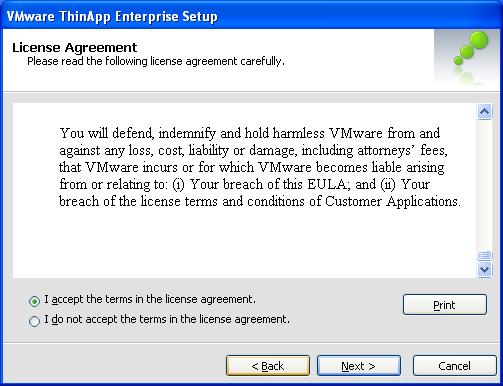
8. Read and Accpet the license agreement, Click Next.
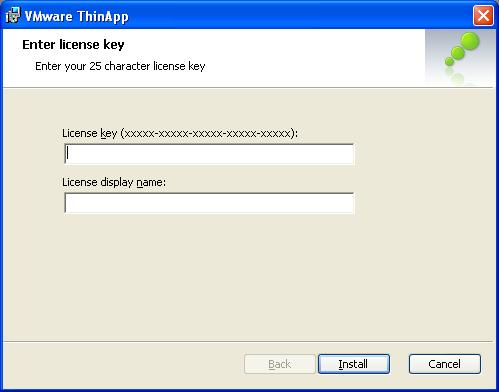
9. Enter your license key for ThinApp, Click Install.
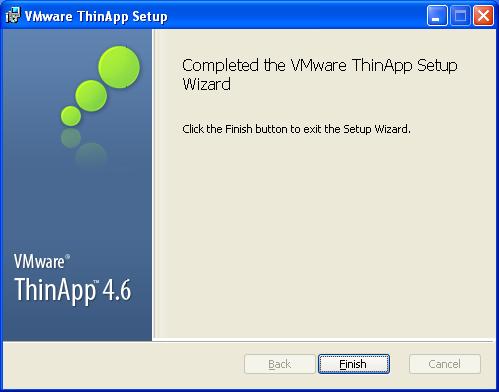
10. ThinApp will be installed. When setup completes, Click Finish.
Creating a ThinApp - Adobe Reader 9 - ThinApp Part 2
Share this blog post on social media:
Tweet


Latest Blog Posts
- vSphere 7 U1 - Part 3 - Creating a Datacenter, HA/DRS Cluster and Adding a Host
- vSphere 7 U1 - Part 2 - Deploying vCenter 7.0 U1 VCSA
- vSphere 7 U1 - Part 1 - Installing ESXi 7.0 U1
- Veeam CBT Data is Invalid - Reset CBT Without Powering Off VM
- View Administrator Blank Error Dialog/Window After Upgrade