The Active Directory Migration Tool version (ADMT) simplifies the process of migrating objects and restructuring tasks in an Active Directory Domain Service (AD DS) environment. You can use ADMT to migrate users, groups, and computers between AD DS domains in different forests (inter-forest migration) or between AD DS domains in the same forest (intra-forest migration). ADMT can also perform security translation (to migrate local user profiles) when performing inter-forest migrations.
Download Active Directory Migration Tool version 3.1
Download and Read ADMT v3.1 Guide: Migrating and Restructuring Active Directory Domains
Download Password Export Server version 3.1
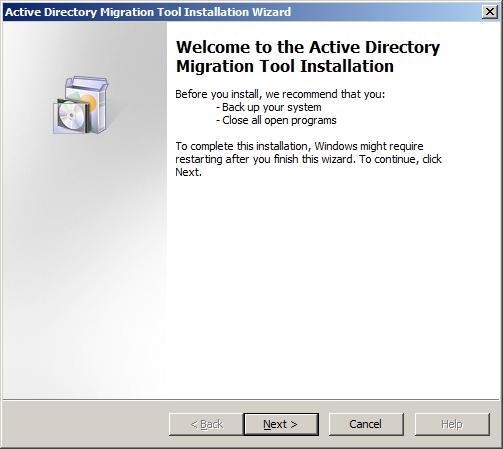
Run the Active Directory Migration Tool installation.
Click Next.
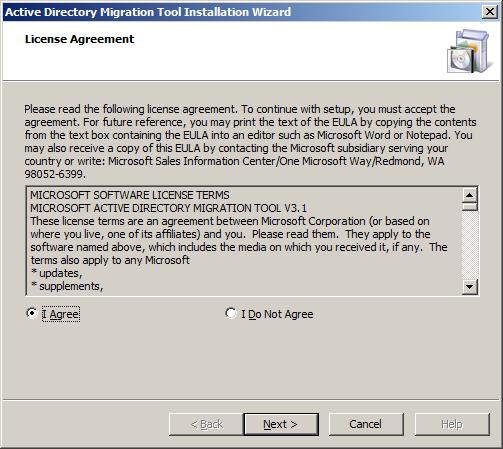
Read and accept the license agreement. Click Next.
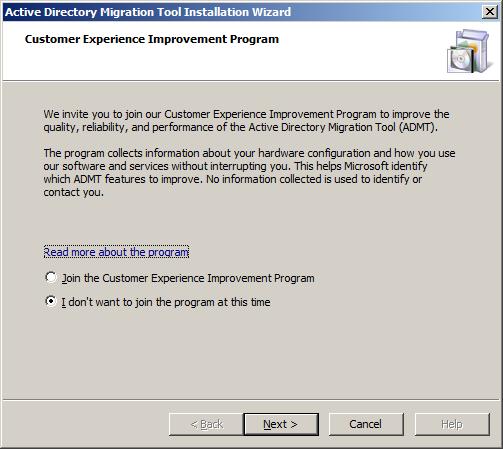
Choose to join the Customer Experience Program or not. Click Next.
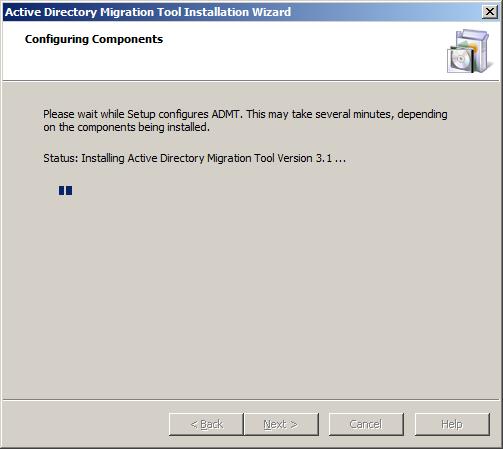
The installation wizard will start to install ADMT.
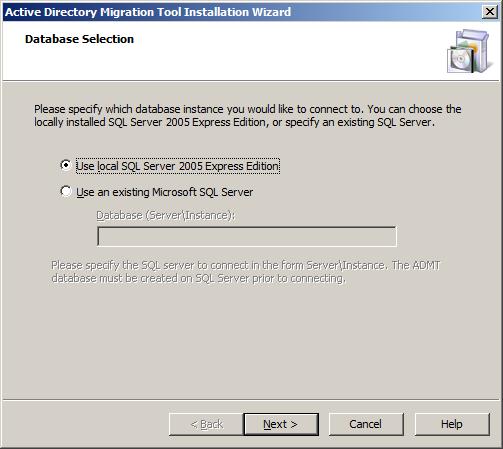
Choose the type of database to use and enter details:
-
Local SQL Server Express Edition
-
An existing SQL Server
Click Next.
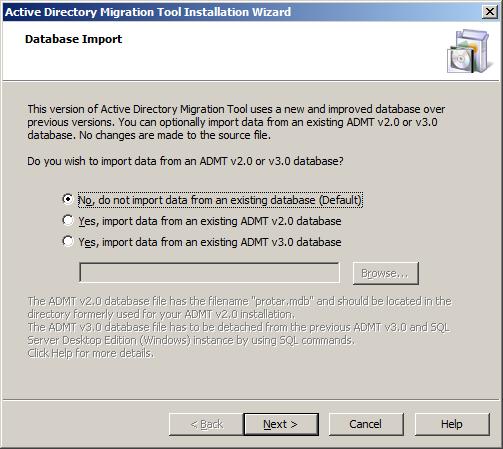
Choose to import an existing ADMT database (if required).
Click Next.
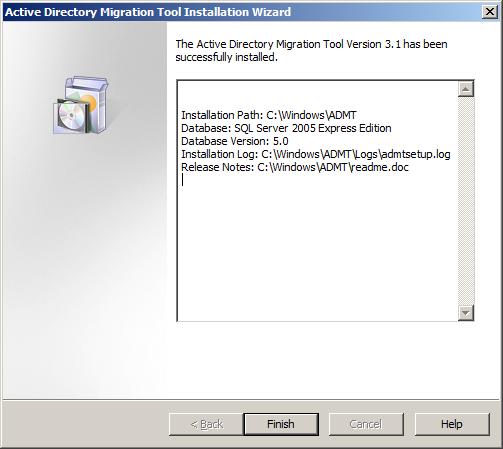
ADMT is now installed. Click Finish.
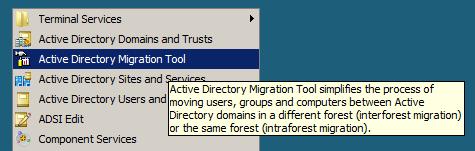
ADMT can be found under Start --> Administrative Tools --> Active Directory Migration Tool.
Or create your own MMC.
Share this blog post on social media:
Tweet


Latest Blog Posts
- vSphere 7 U1 - Part 3 - Creating a Datacenter, HA/DRS Cluster and Adding a Host
- vSphere 7 U1 - Part 2 - Deploying vCenter 7.0 U1 VCSA
- vSphere 7 U1 - Part 1 - Installing ESXi 7.0 U1
- Veeam CBT Data is Invalid - Reset CBT Without Powering Off VM
- View Administrator Blank Error Dialog/Window After Upgrade