Note: VMware ESX is no longer a product VMware is developing. Since vSphere 4.1 it has was mentioned that the next major release will not include ESX and a migration will be required to ESXi. So now vSphere 5 is here it is ESXi ONLY.
I have been deploying ESXi in all the implementations I have done since 4.1, so these VMware customers will be able to do a simple upgrade rather than a migration.
1. Check the server hardware you are installing ESXi 5 onto is supported and on the VMware HCL.
2. Login to the VMware license portal to check/upgrade/buy your vSphere licenses.
3. Read the ESXi Setup Guide to ensure you understand the pre-requisites.
4. Download the VMware ESXi 5 ISO file from the VMware download area.
5. Burn the ESXi 5 ISO to a CD.
6. Disconnect all Fibre Channel connections (if any) and boot the server from the CD.
7. Select "ESXi-5 Installer"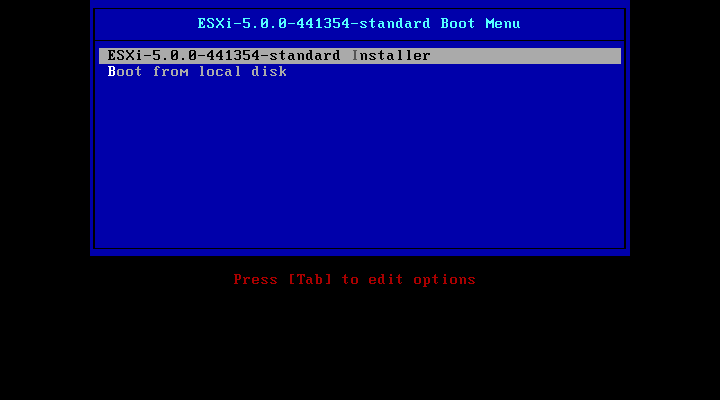
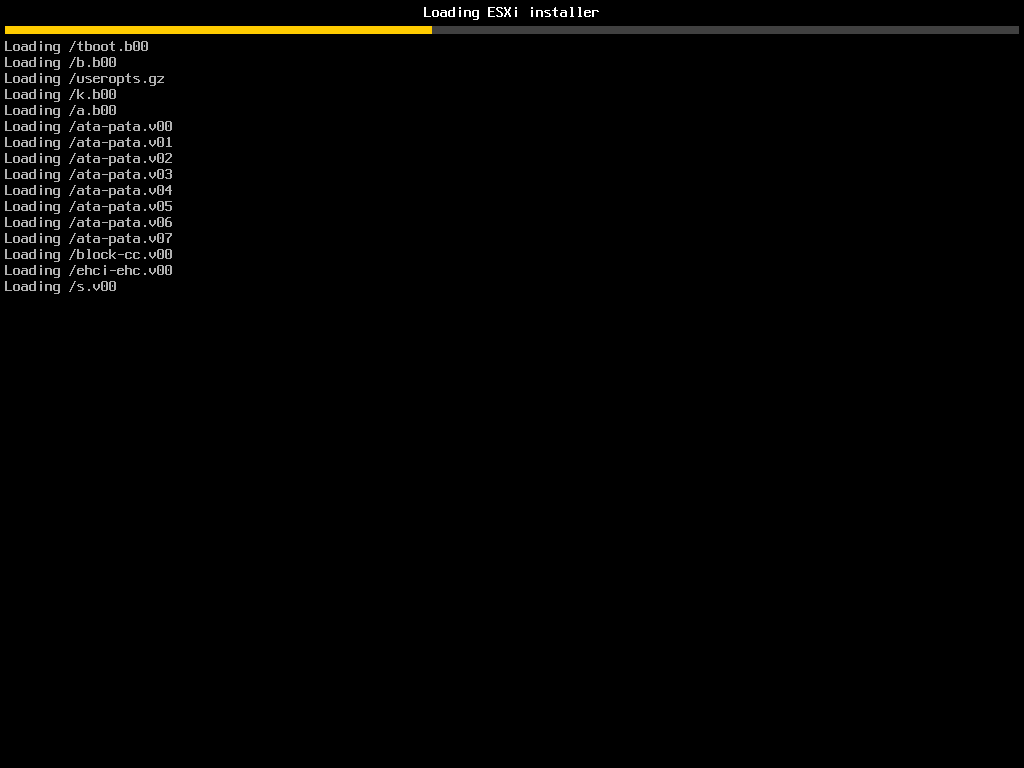
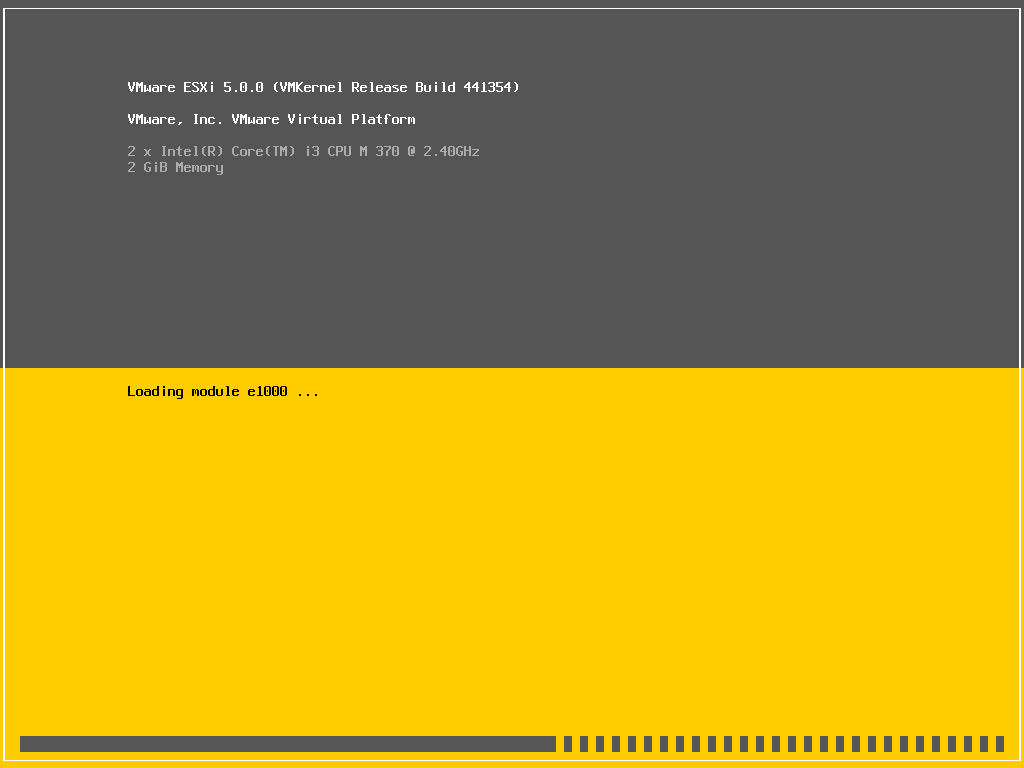
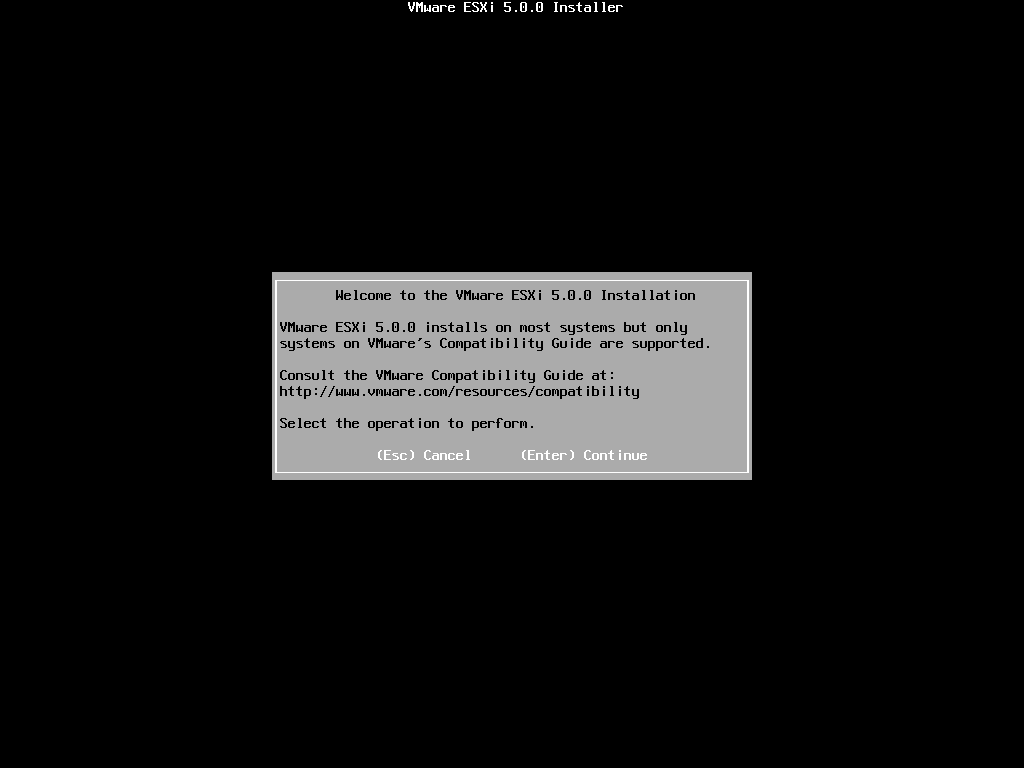
8. When ready to install press "Enter"
9. Read and accept the license agreement, press F11 to accept.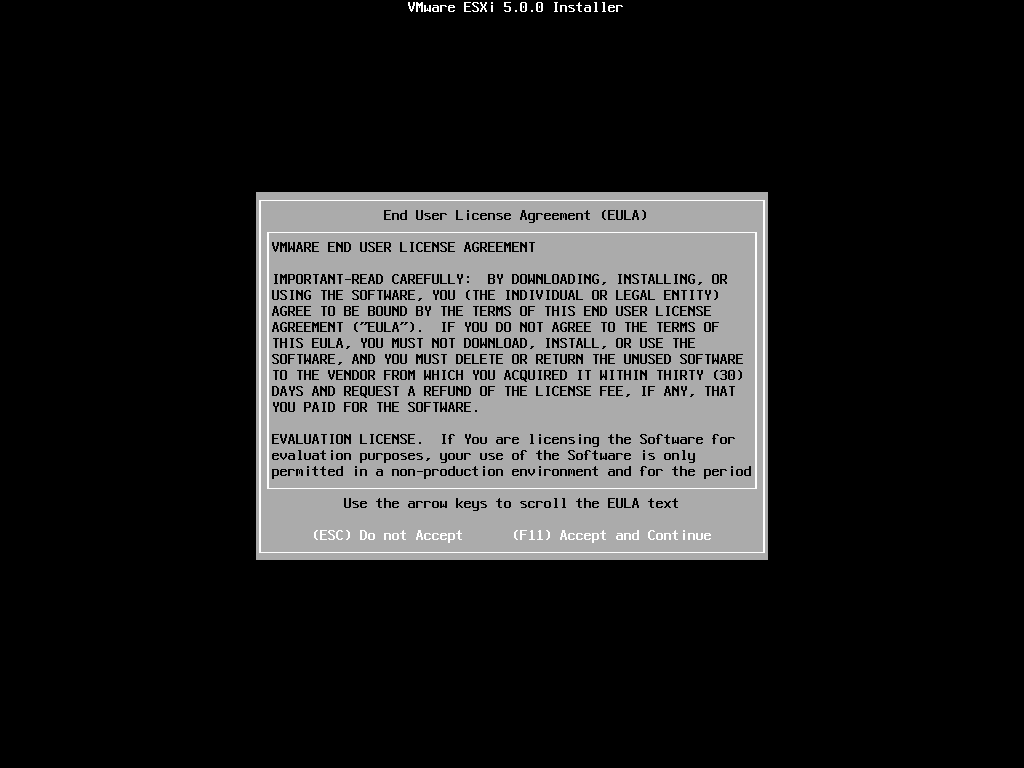
10. Select the correct storage device to install ESXi on and press "Enter"
NOTE: ensure it is not an FC VMFS datastore!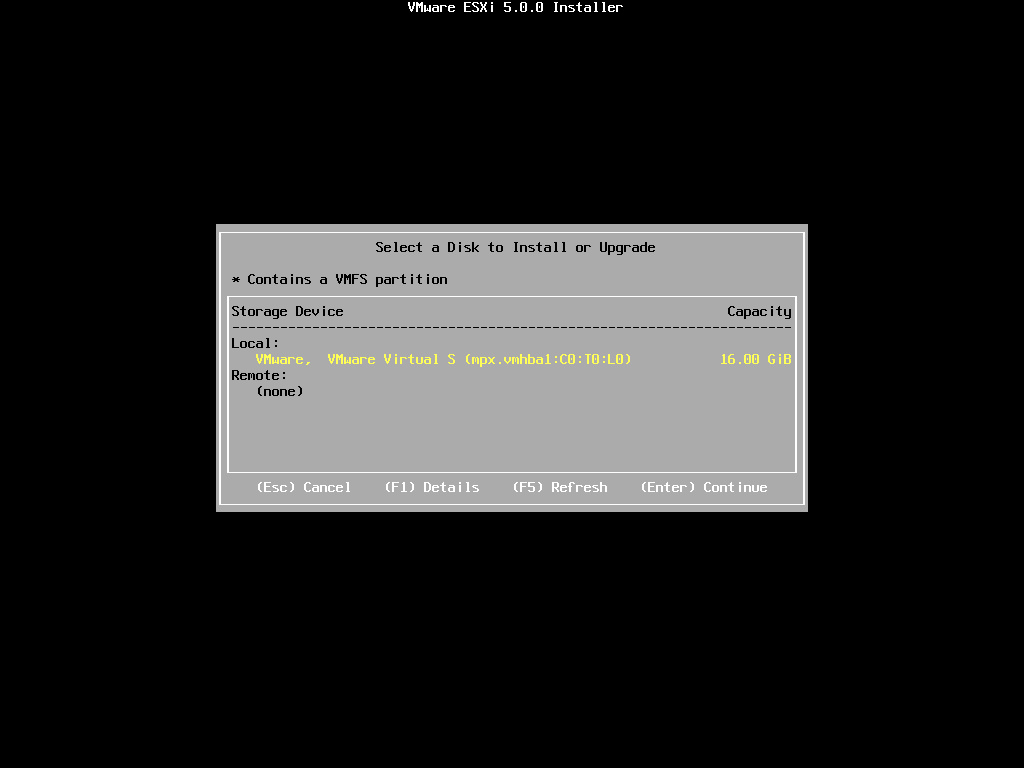
11. Select the keyboard layout and press Enter. 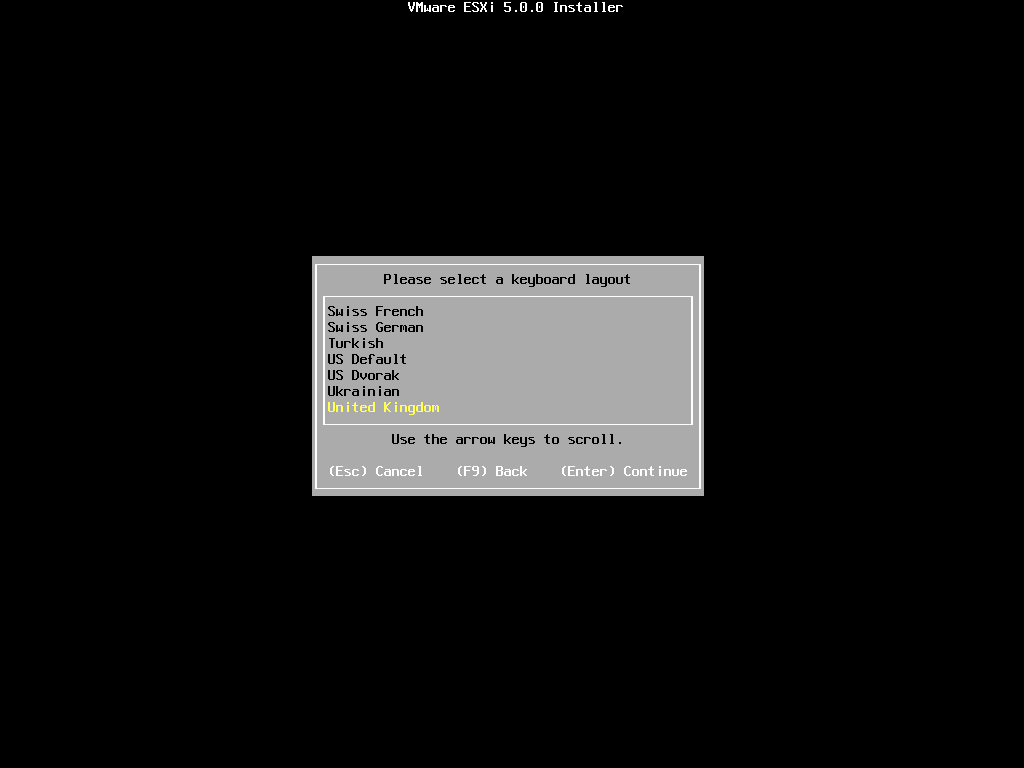
12. Enter a password for the "root" account. Press Enter.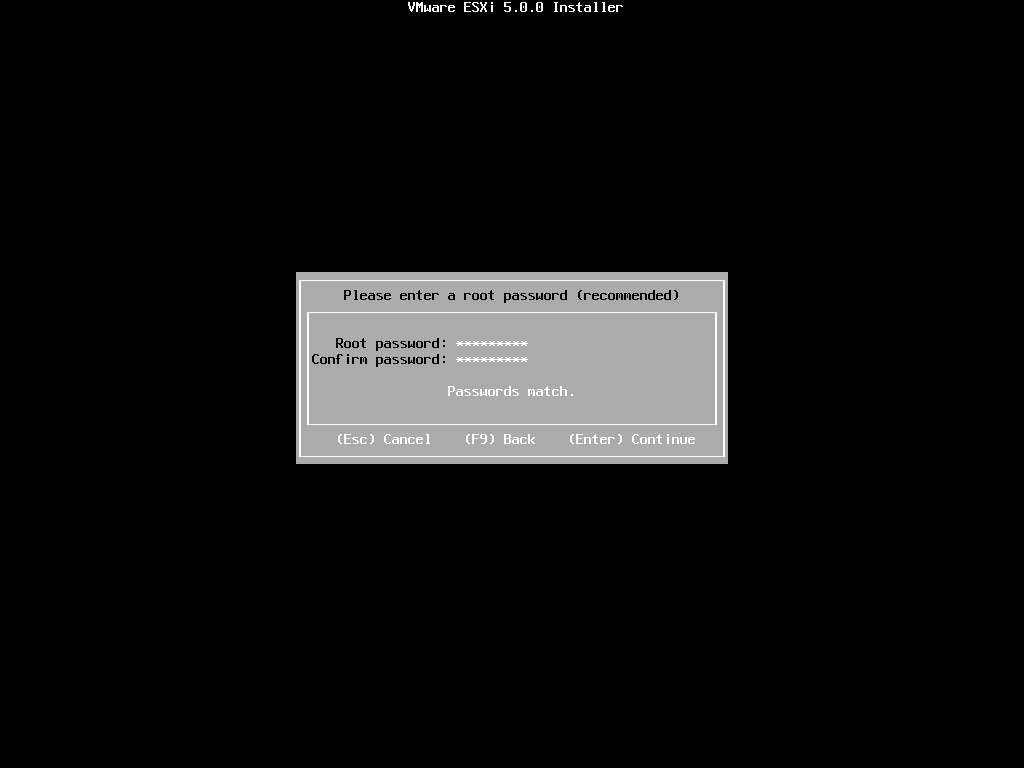
13. Press F11 to start installing ESXi 5.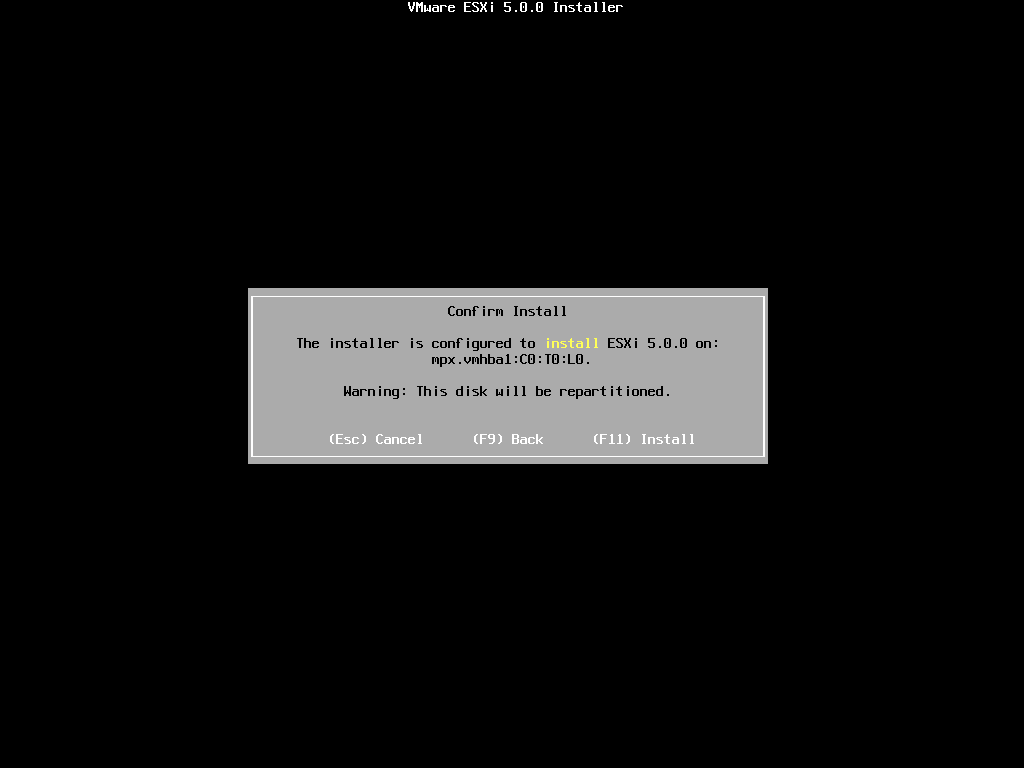
14. Once the installation is complete press Enter to reboot the server and boot the ESXi 5 hypervisor.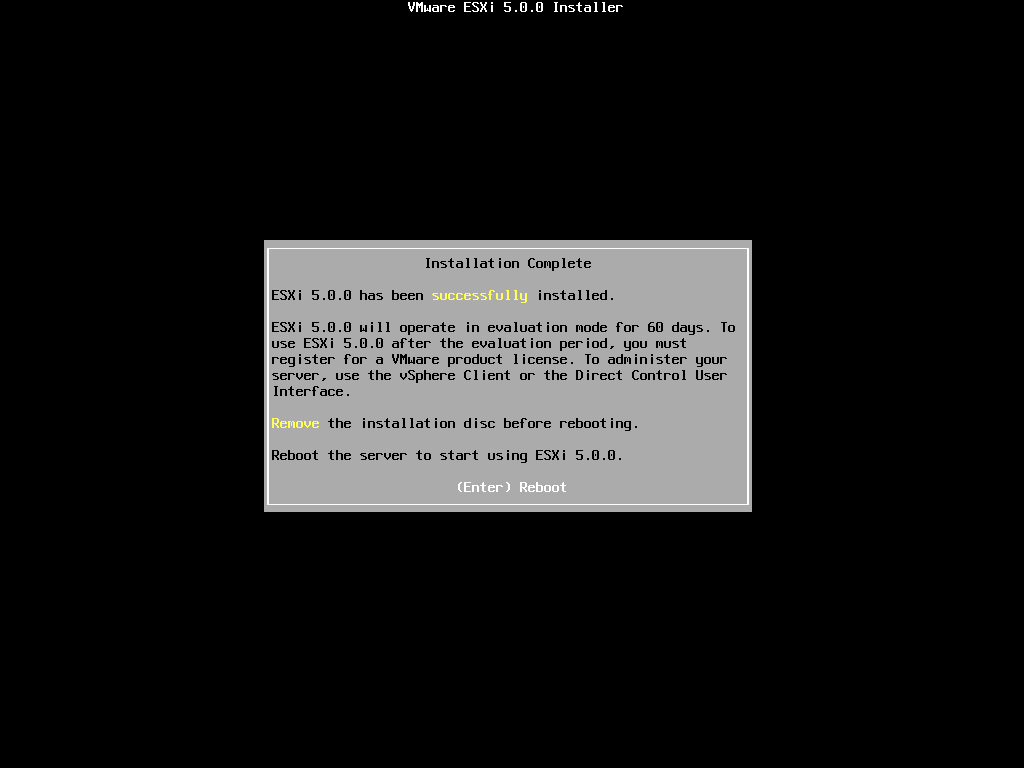
15. Once the ESXi server has booted it will receive a DHCP lease (if applicable) you can now manage this with the vSphere client or continue to set a static IP for management (recommended)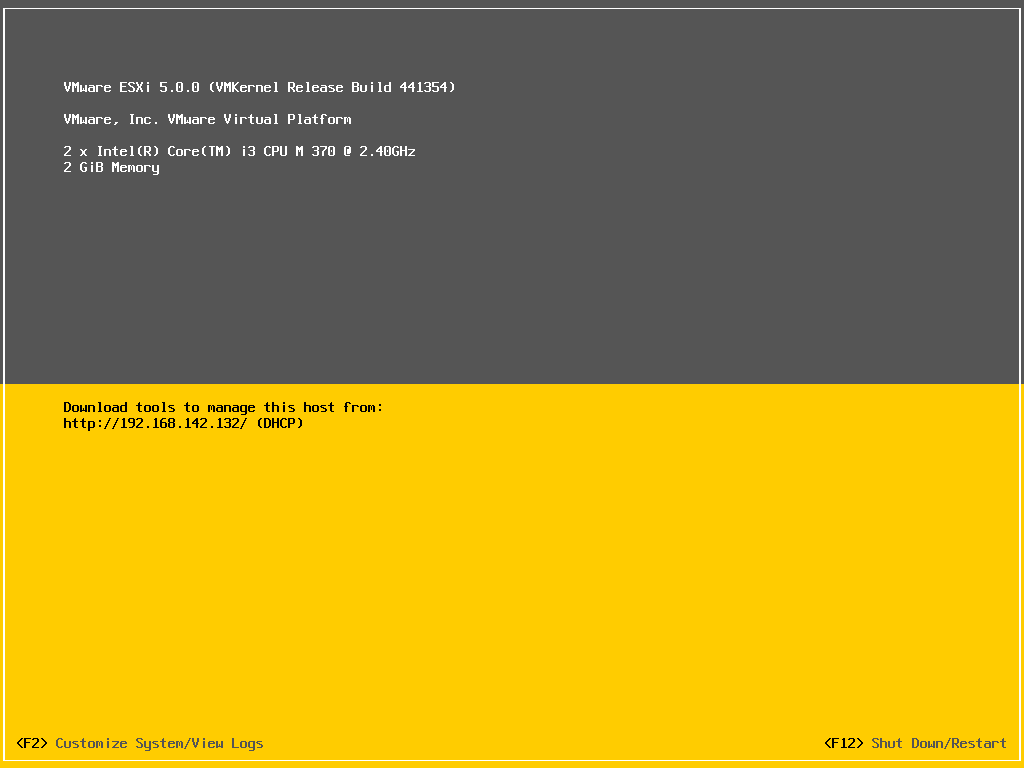
Share this blog post on social media:
Tweet


Latest Blog Posts
- vSphere 7 U1 - Part 3 - Creating a Datacenter, HA/DRS Cluster and Adding a Host
- vSphere 7 U1 - Part 2 - Deploying vCenter 7.0 U1 VCSA
- vSphere 7 U1 - Part 1 - Installing ESXi 7.0 U1
- Veeam CBT Data is Invalid - Reset CBT Without Powering Off VM
- View Administrator Blank Error Dialog/Window After Upgrade