Sometimes a domain controller may no longer be needed, this may be due to ongoing server replacement or maybe there is now a smaller number of users at a site, and it can no longer be justified having its own domain controller.
However a server that is a domain controller cannot just be shutdown and then re-used.
The domain controller needs to be properly demoted, failing to do so will cause major problems in the consistency of your active directory infrastructure. Other domain controllers will still continue to contact the removed domain controller unless you tell them otherwise.
1. Run DCPROMO from the command line:
dcpromo
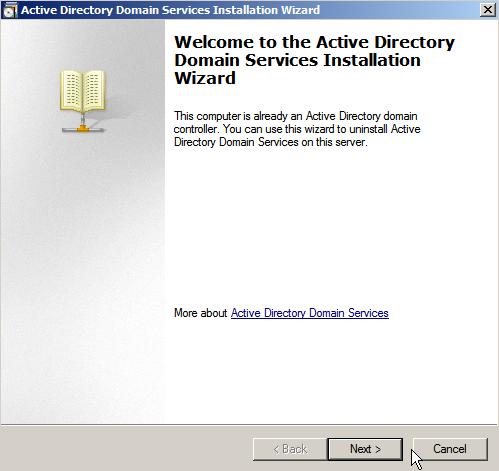
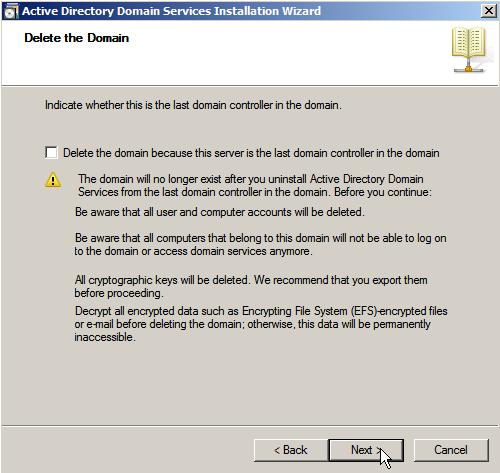
2. Is the domain controller the last in the domain?
If this domain controller is the last in the domain tick the appropriate box, otherwise click Next.
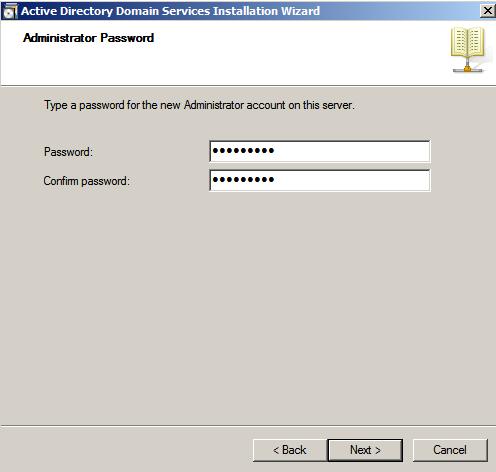
3. Set the new Local Administrator Password, click Next.
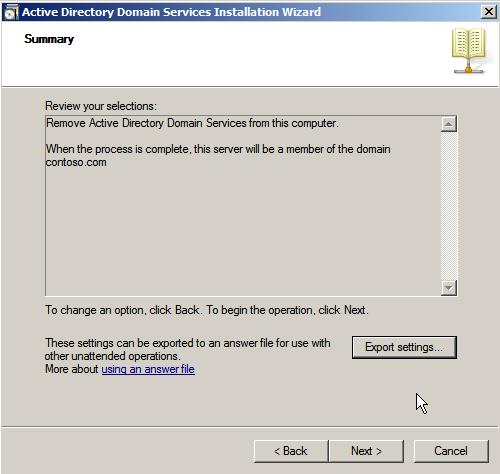
4. Review the selections and export settings if required, click next.
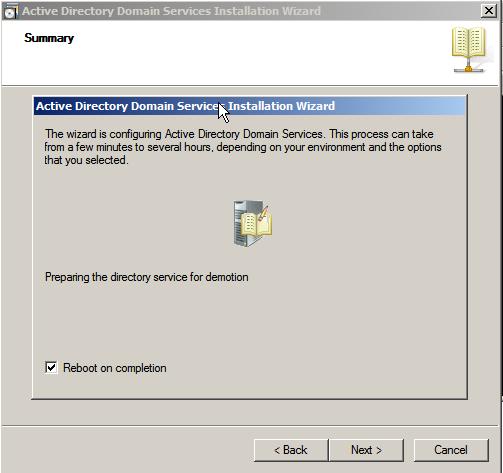
5. The demotion will proceed. Tick "Reboot on Completion" to reboot the server once demotion is complete.
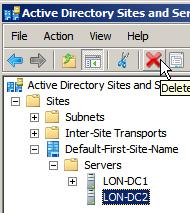
6. Remove the server from Active Directory Sites and Services.
The server will be removed from the "Domain Controllers" container automatically, however the server will need to be manually removed from the Site.
Open Active Directory Sites and Services and expand the site the server was part of and delete the server. Now other domain controllers will not try to replicate to the demoted DC.
Share this blog post on social media:
Tweet


Latest Blog Posts
- vSphere 7 U1 - Part 3 - Creating a Datacenter, HA/DRS Cluster and Adding a Host
- vSphere 7 U1 - Part 2 - Deploying vCenter 7.0 U1 VCSA
- vSphere 7 U1 - Part 1 - Installing ESXi 7.0 U1
- Veeam CBT Data is Invalid - Reset CBT Without Powering Off VM
- View Administrator Blank Error Dialog/Window After Upgrade