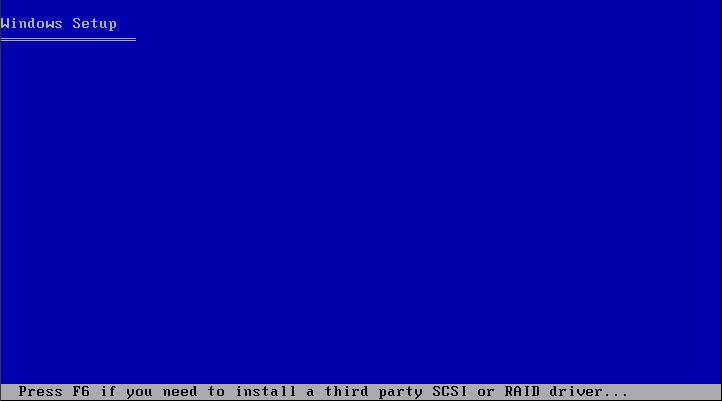
When installing Windows XP as a guest OS on a VMware ESX Server you may get the following error:
"Setup did not find any hard disk drives installed on your computer"
To use a SCSI disk in a Windows XP VM you need a special SCSI driver.
What you need to do is download the VMware provided SCSI driver and press "F6" when the Windows XP installation asks you to do so.
Share this blog post on social media:
Tweet


Latest Blog Posts
- vSphere 7 U1 - Part 3 - Creating a Datacenter, HA/DRS Cluster and Adding a Host
- vSphere 7 U1 - Part 2 - Deploying vCenter 7.0 U1 VCSA
- vSphere 7 U1 - Part 1 - Installing ESXi 7.0 U1
- Veeam CBT Data is Invalid - Reset CBT Without Powering Off VM
- View Administrator Blank Error Dialog/Window After Upgrade